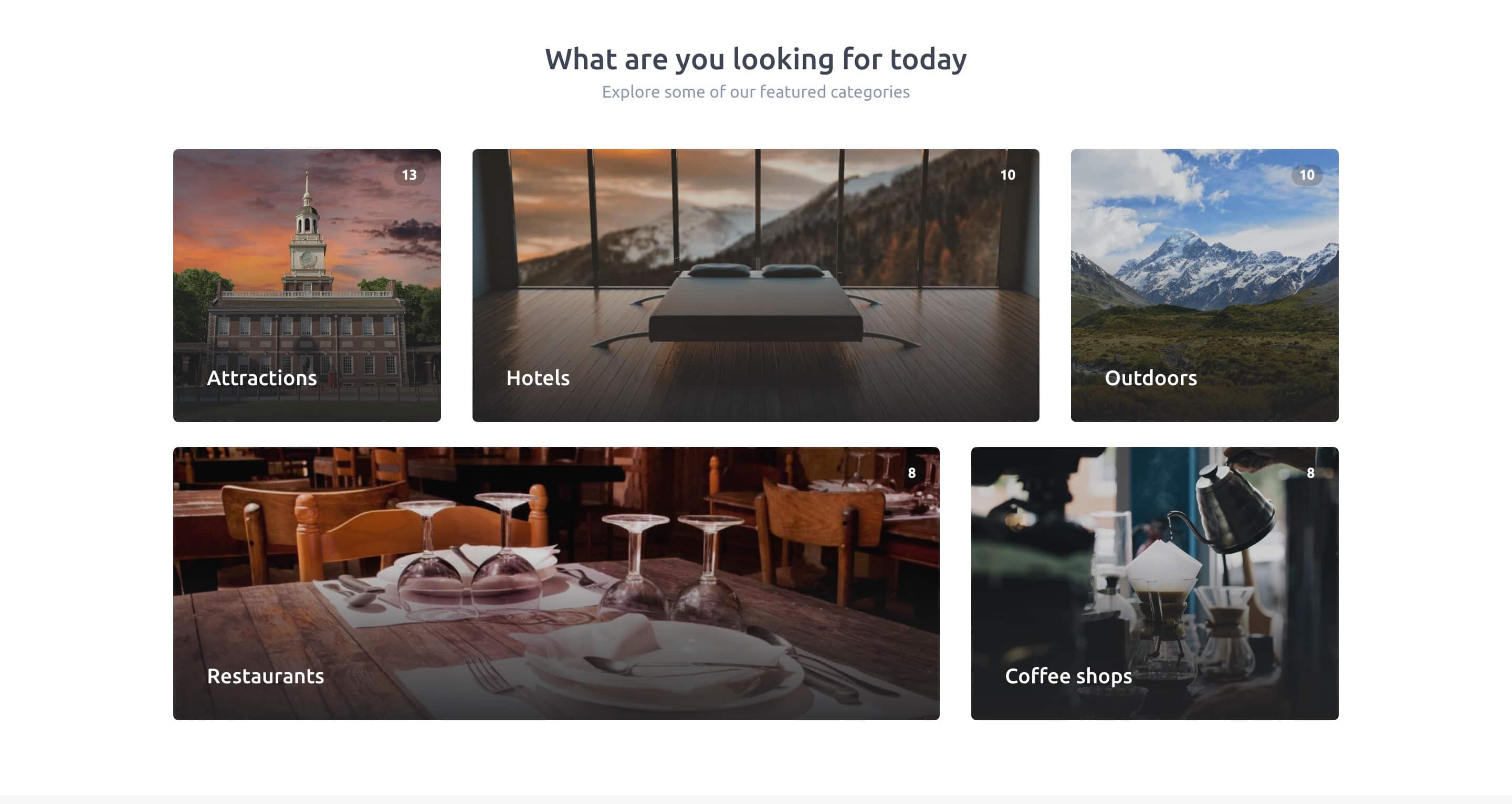
Tiles layout
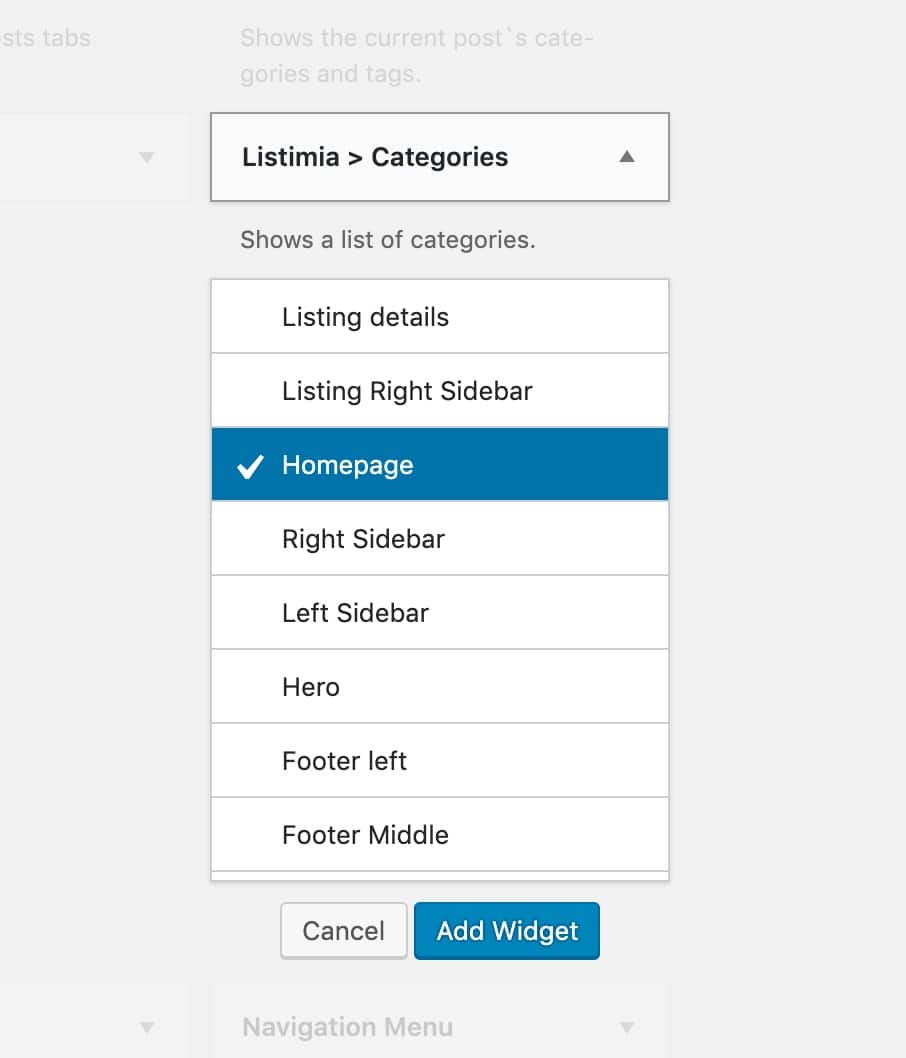
- Navigate to Appearance → Widgets.
- On the left side, locate the Listimia > Categories
- Click on the widget and select the option:Homepage, then click the Add Widget button.
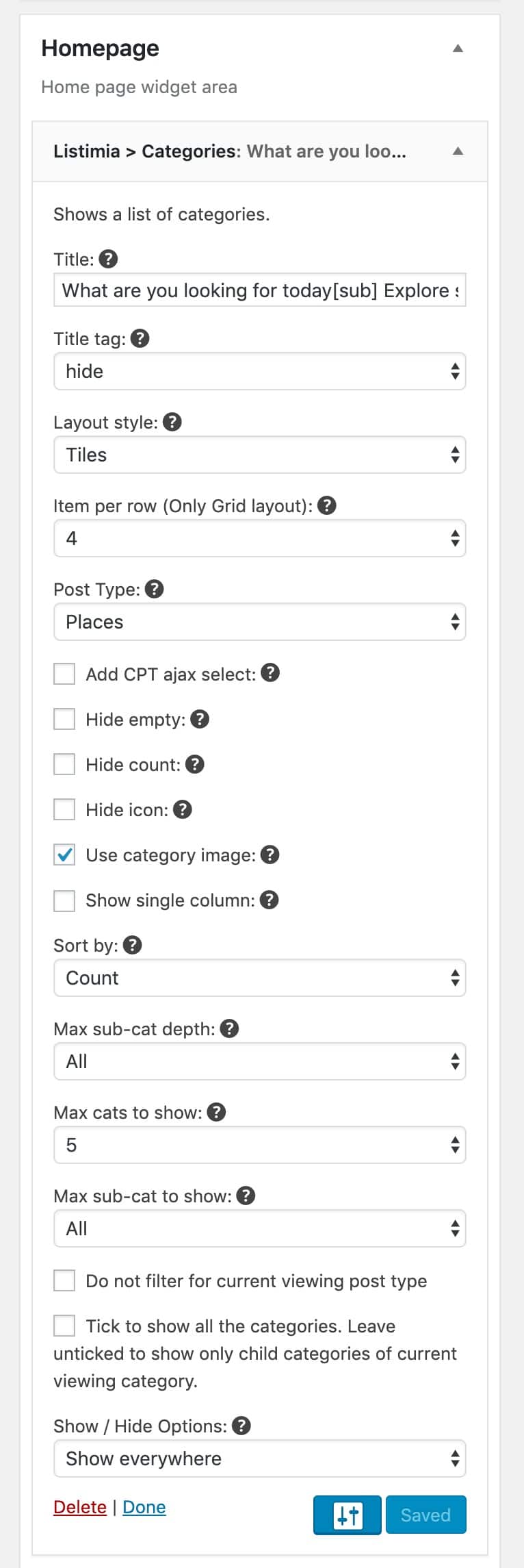
Widget settings used in the demo:
Grid layout
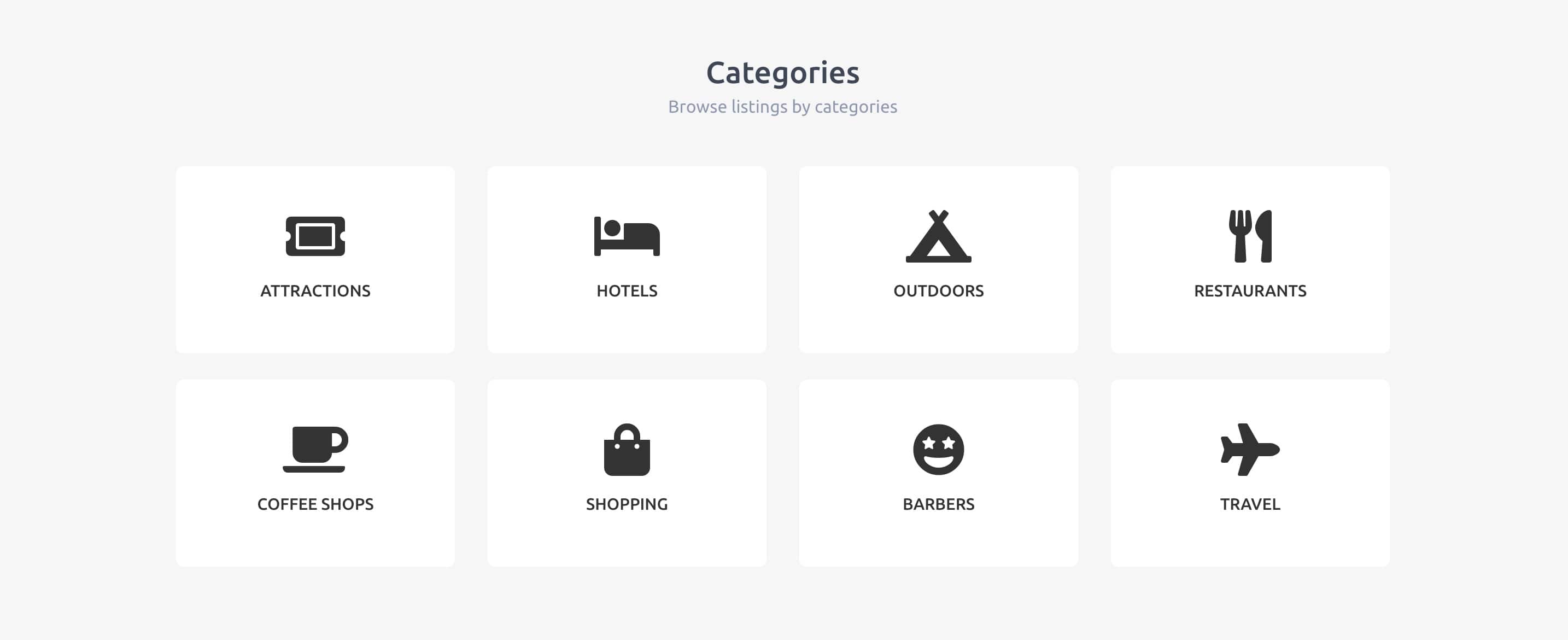
- Navigate to Appearance → Widgets.
- On the left side, locate the Listimia > Categories
- Click on the widget and select the option:Homepage, then click the Add Widget button.
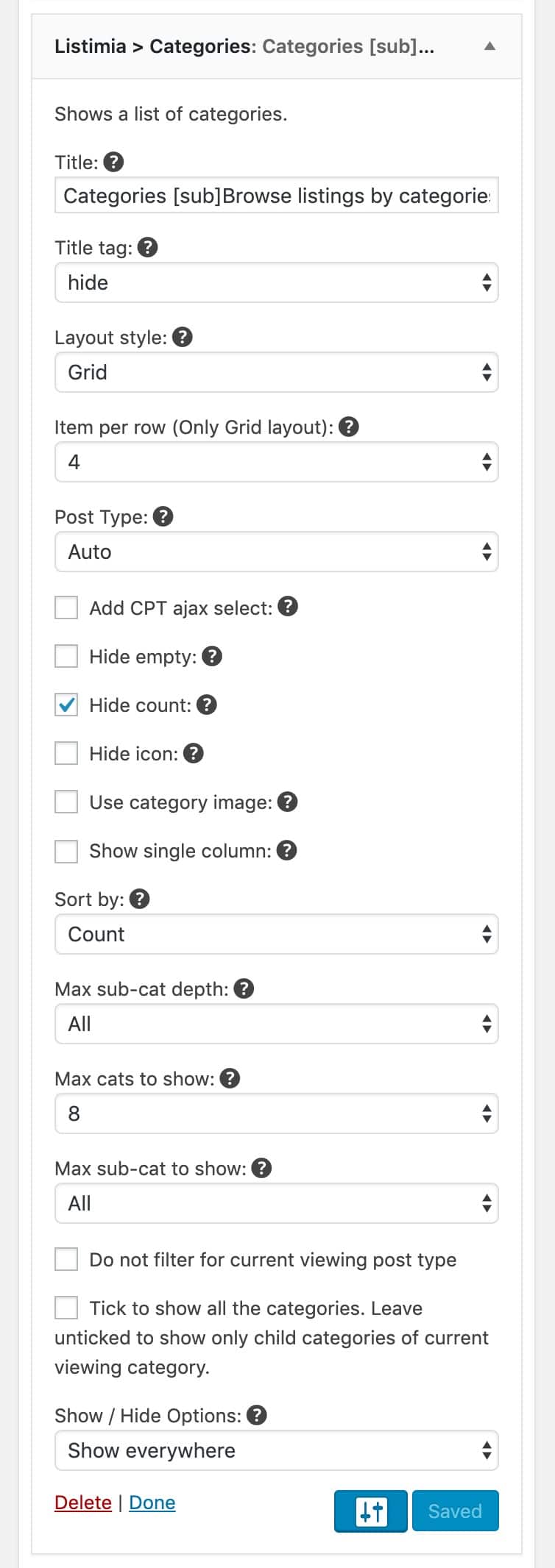
Widget settings used in the demo: